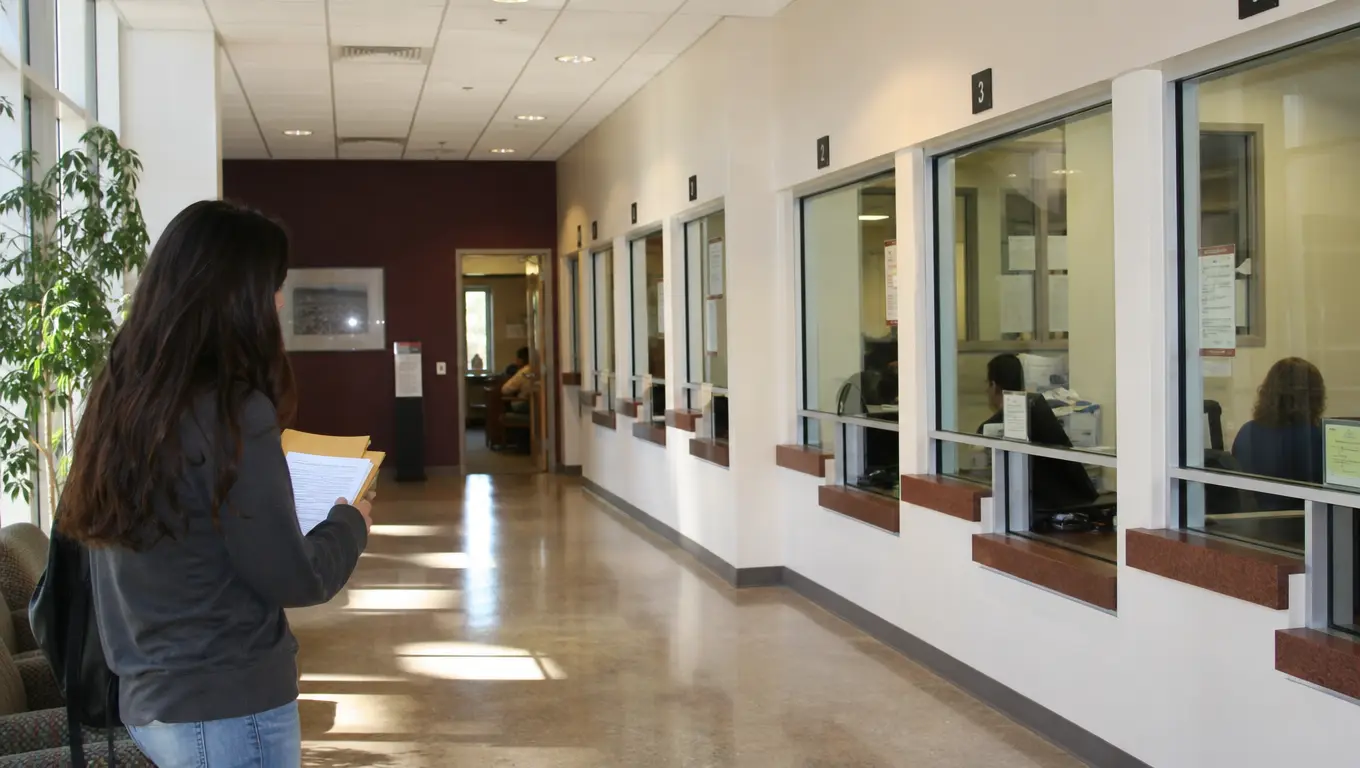
College assumes you already know which office handles holds, which form unlocks a waitlist, and which email gets a real reply. If nobody in your family did this, that map is the missing piece. You do not need a personality transplant. You need names, hours, and questions that produce a next step.
This is a directory of starting points, not a claim that every campus looks the same. Use the labels your school uses. If a door is wrong, ask that person who the right person is.
Three Offices Most Questions Belong To
Academic advising. Schedule, holds, placement, “am I even in the right courses.” Bring a printed or screenshot syllabus for each class and a list of work hours. Ask: “What happens if I drop this?” and “Who signs that form?”
Financial aid. Awards, work-study, missing documents, a hold that appeared overnight. Ask: “What document is still outstanding?” and “What is the deadline that actually closes this?” Write the answer down in the meeting.
The instructor or TA for the course you are stuck in. Content questions do not belong in advising. They belong in office hours with a marked problem.
A fourth door if you have one: first-gen or TRIO-style student support. They often know which office actually answers. They are not a replacement for advising.
Who to Email, in One Line
Use school email. Subject line names the course or the hold.
- Registrar / records: “Hold on my account — which office clears it?”
- Advising: “Spring schedule — two required courses conflict”
- Financial aid: “Missing document listed in the portal”
- Professor: “Week 4 problem 3 — I tried X, stuck at Y”
- Disability / access office: “I need to start an accommodation file” (if that applies to you; you do not have to justify it in the first email)
Do not send the same novel to five people. One recipient, one ask, one attached screenshot if it helps.
If you need more time on an assignment, that is a course policy question: how to ask for an extension. Advising cannot override a syllabus.
What to Bring to a Walk-In
A folder or a phone album with:
- Student ID
- Current schedule
- The error or hold screen
- Any letter the school already sent
People help faster when they can see the same screen you see. A story without a screenshot turns into a second appointment.
Study Help Is a Different Map
Tutoring centers, writing labs, and SI sessions exist because the course is hard, not because you are behind as a person. Use them the way you would use group study that actually works: bring a problem, not a hope that sitting nearby will transfer knowledge.
If reading is the bottleneck, dense texts are a skill, not a family trait.
Limits
Staff will not:
- Choose your major for you in fifteen minutes (see picking a major when you are interested in three things)
- Fix a missed payment after the school’s drop date
- Re-teach a month of class
If someone is rude, try the next listed contact. One bad desk is not the whole campus. If several desks bounce you, ask advising for the name of a supervisor or a case manager and stop collecting contradictory advice.
Closing
Pick one friction this week—a hold, a conflicting course, a problem you cannot start—and send one specific email or walk into one listed office with the screenshot. The goal is the next name, not a motivational speech. Once you have two working contacts, the campus gets smaller.